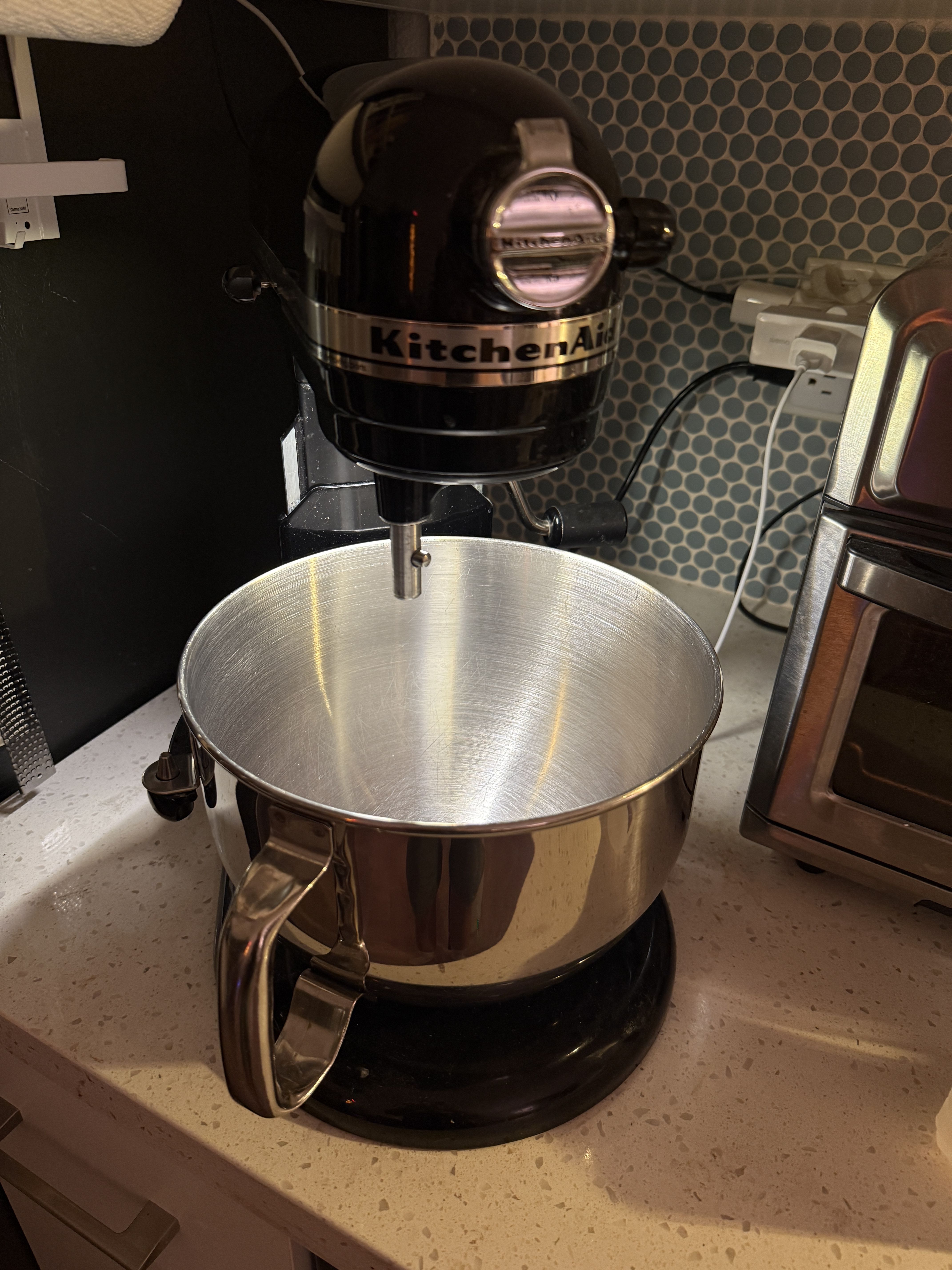
Adding a Bowl Light to my KitchenAid Stand Mixer
Earlier this year KitchenAid announced their new Artisan Plus stand mixer. One of its new features is an integrated bowl light. This feels like an overdue and obvious feature, but one that I hadn't thought of before. I would like a bowl light but don't want to spend $600, and my second-hand Professional 600 Series stand mixer still works well.
I researched options for adding a bowl light to my mixer. Someone had added a simple light to their mixer. I decided to go with a COB light strip for its low profile and diffused appearance. A simple option from amazon (1 meter, 3000K, non-dimmable, USB-A powered) is only $5.69.
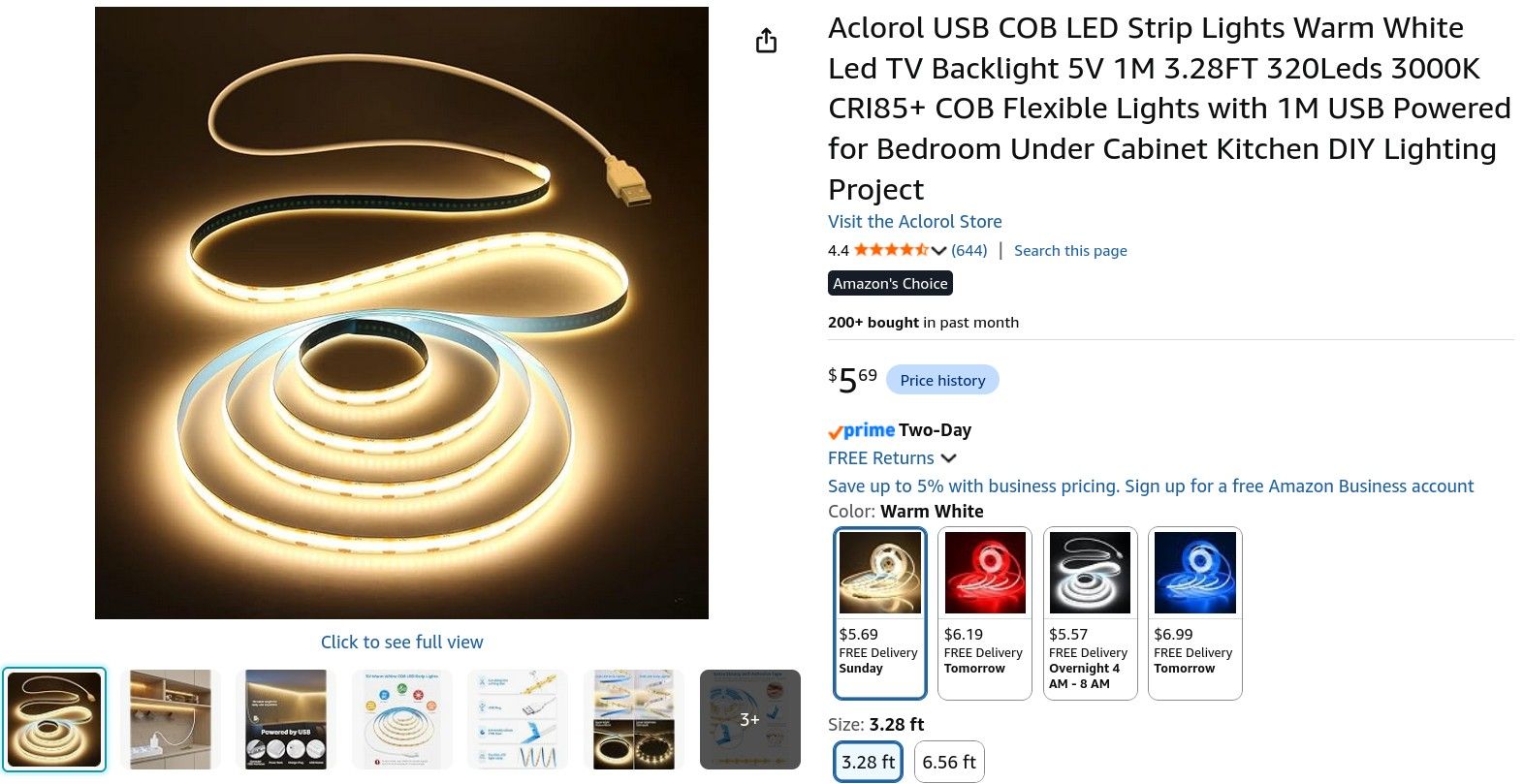
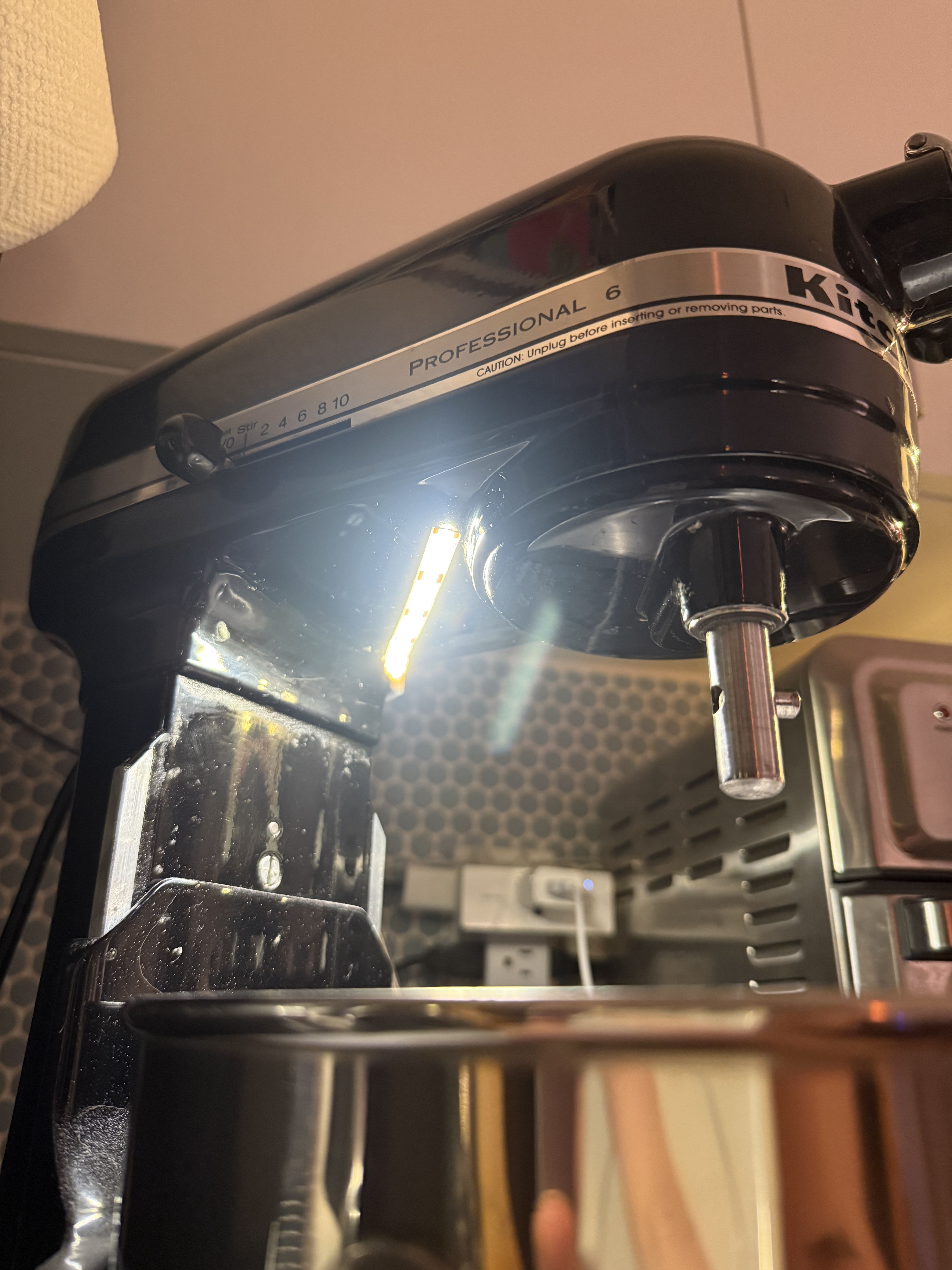
The light strip is trimmable, so I cut it to around 4 inches. I saved the remaining length for another project (it just needs a 5V power source). I used the adhesive backing on the strip to attach it to the underside of the mixer above the bowl. It has stayed put.
To control the light I connected it to a USB-A adapter plugged into a spare Wemo Mini smart plug. Cloud services and app support for Wemo devices was killed by Belkin, but I revived the device using PyWeMoGUI to connect it to my home network and control it using Home Assistant's built-in Belkin WeMo integration. Local control is very important. I added the smart plug to my existing lighting automations for the kitchen area, so it turns on when presence is detected.